Features

One platform to automate every process

Design, run, document and report on any business process — from a simple approval to a multi-department workflow — all without code.

131,000+
registered users worldwide
60–80%
faster to implement than custom development
95–98%
of requirements met without custom code
Since 1999
enterprise-proven

Deployment / model

Explore the frontier of coding evolution with Northen Unleashed. Our latest features redefine the boundaries of what's possible in coding tools.
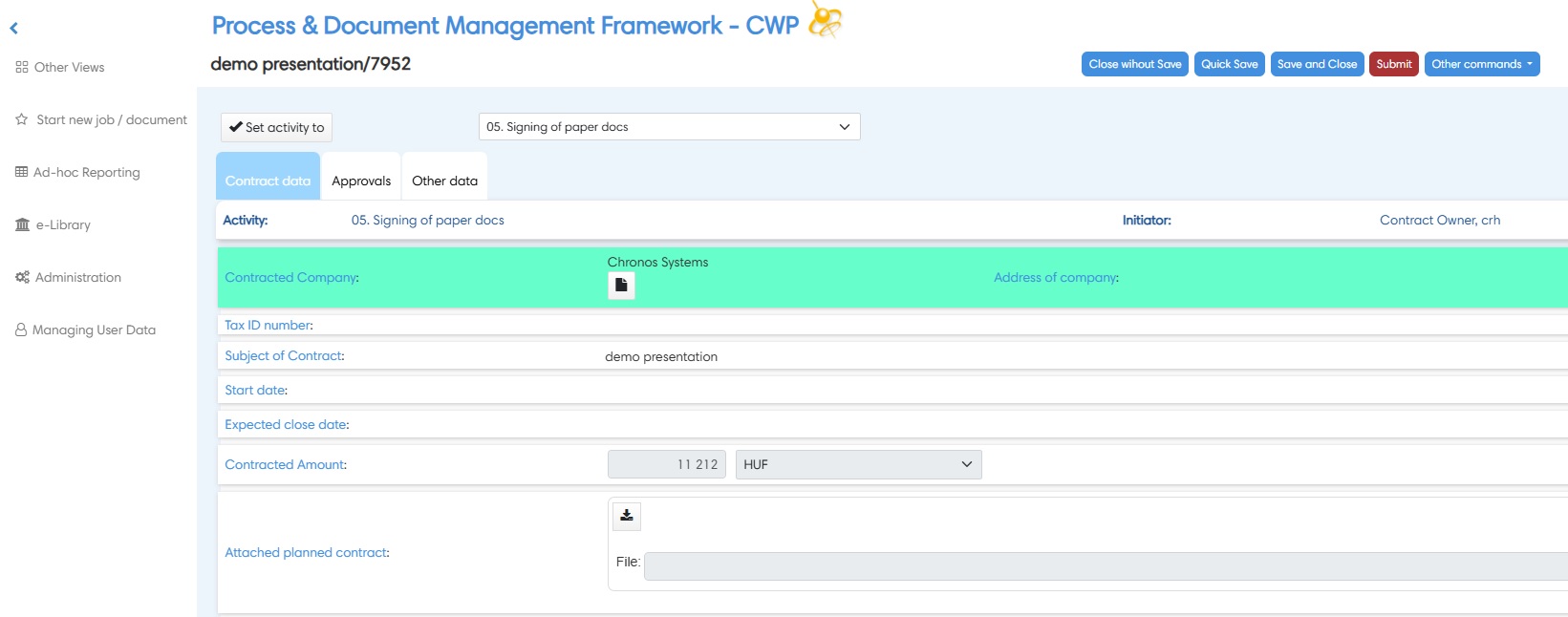
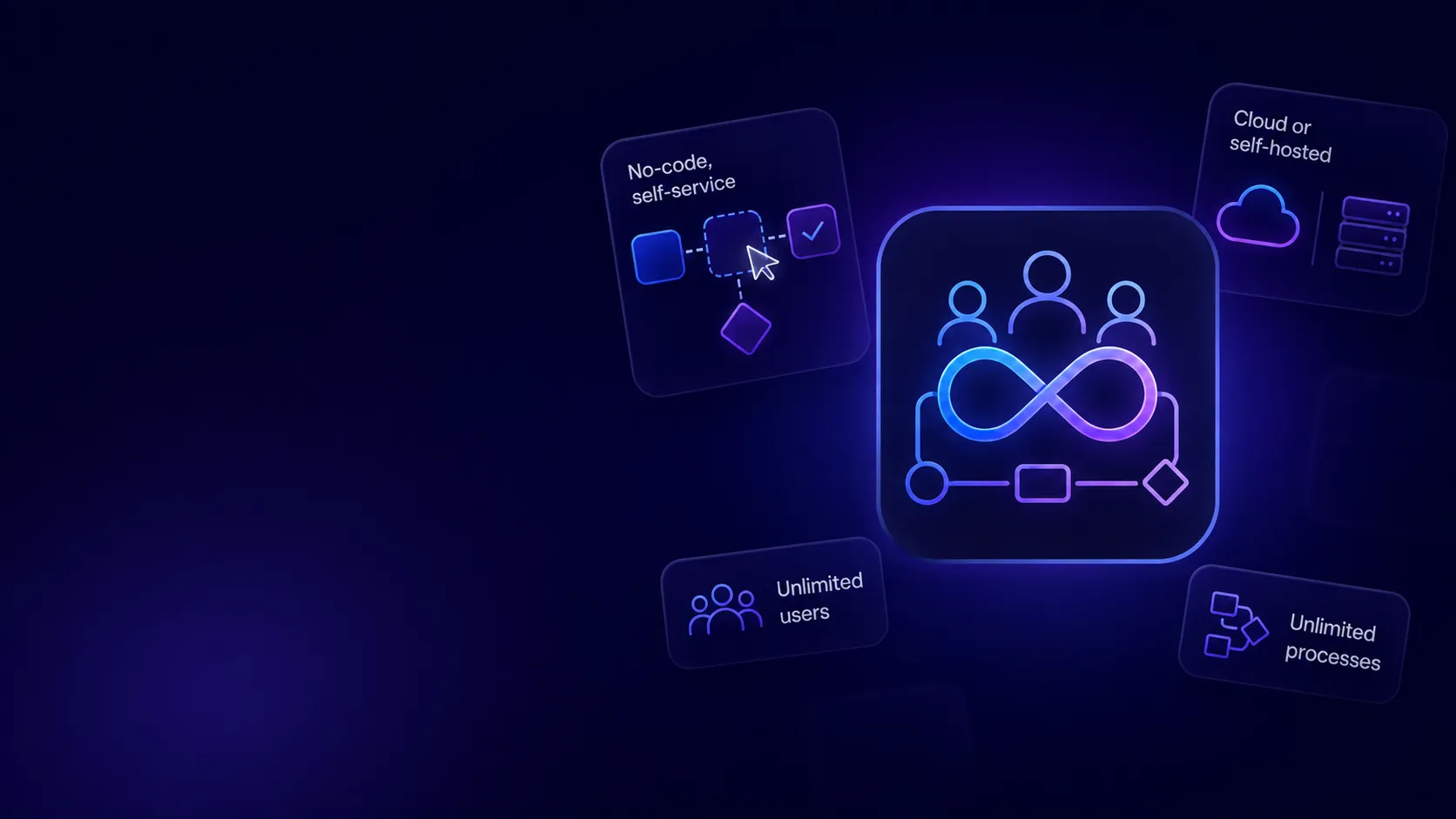
No-code, self-service

Business users build and change processes; no programming or IT involvement required.

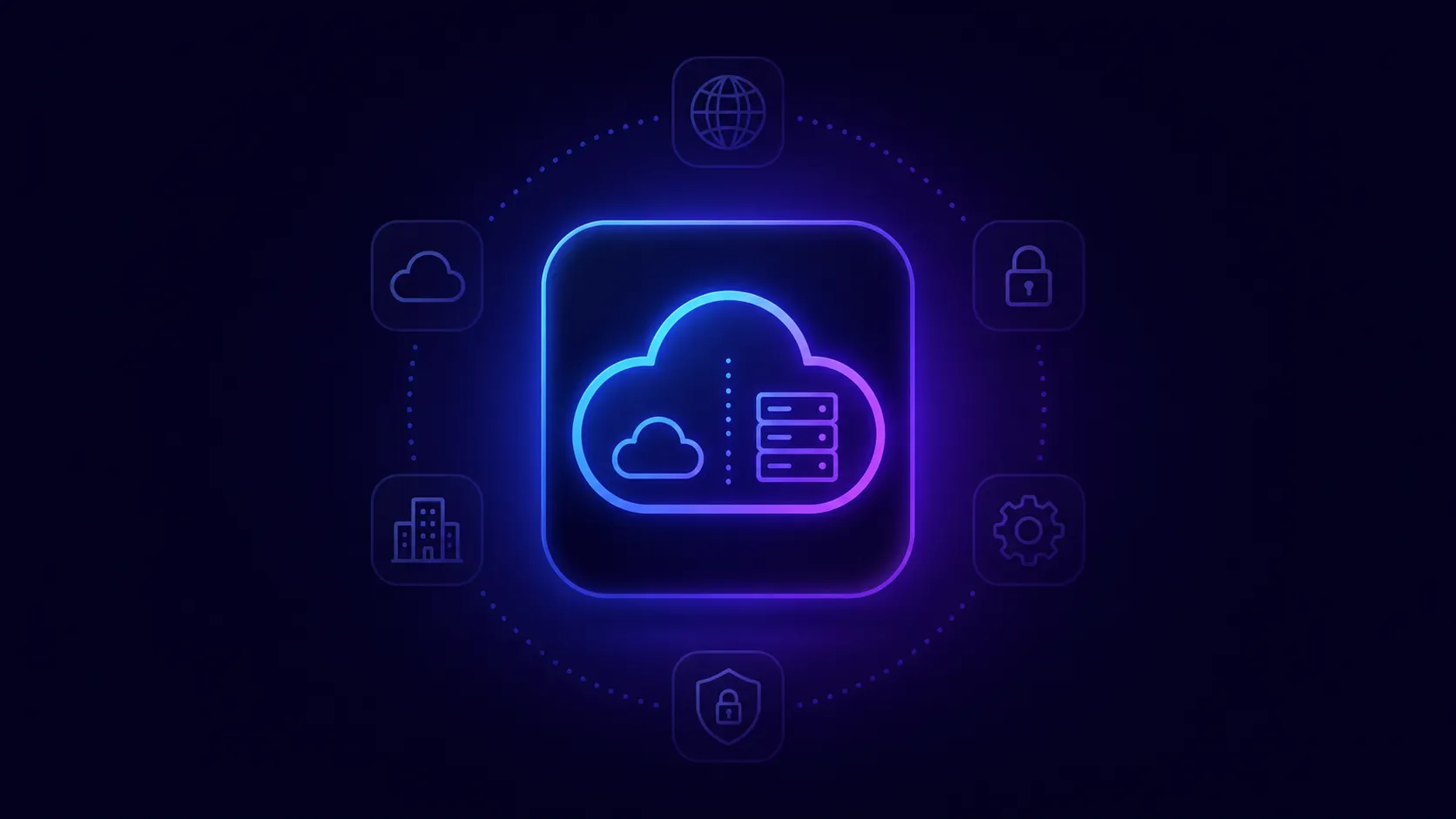
Cloud or self-hosted

 Run CWP as SaaS or on your own infrastructure.

Unlimited users & processes

One license, no per-user fees, no modules.

Features

Explore the frontier of coding evolution with Northen Unleashed. Our latest features redefine the boundaries of what's possible in coding tools.
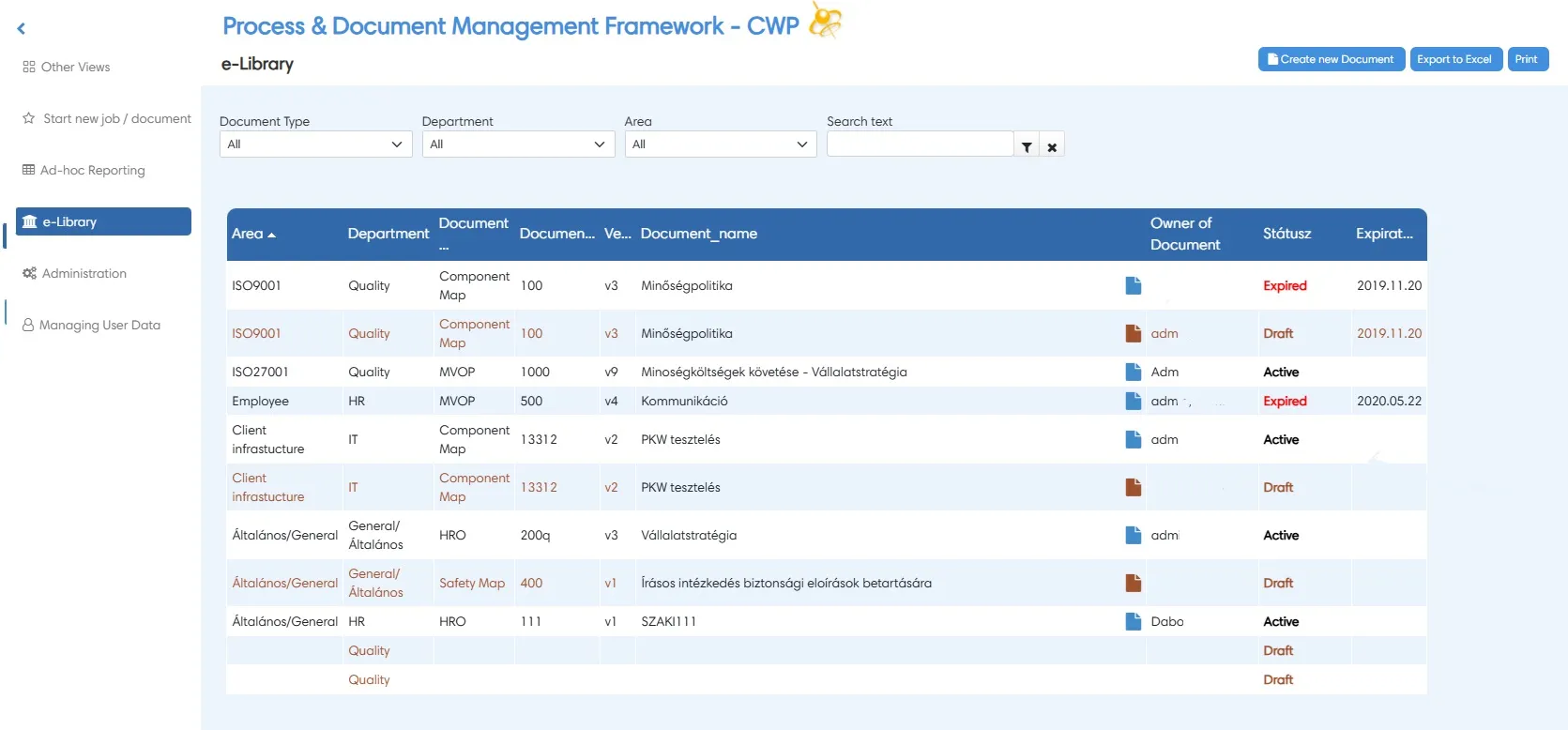
Your To-Do list

List or group views, deadlines, priority highlighting and escalation/expiry emails per step.

Step owners & roles

Assign work to a person, role, department or manager; import your Active Directory; sign in with Google.

WordMerge, e-signature & calendar

Merge process data into document templates, add time-stamped e-signatures, and manage country-specific working days and holidays.

Routing & Conditions

CWP auto-recognizes default routes from your flowchart; add conditions, skip steps, auto-start sub-processes, or auto-finish tasks.

Powerful Features That Set Us Apart and ahead

Explore the frontier of coding evolution with Spectral Unleashed. Our latest features redefine the boundaries of what's possible in coding tools.
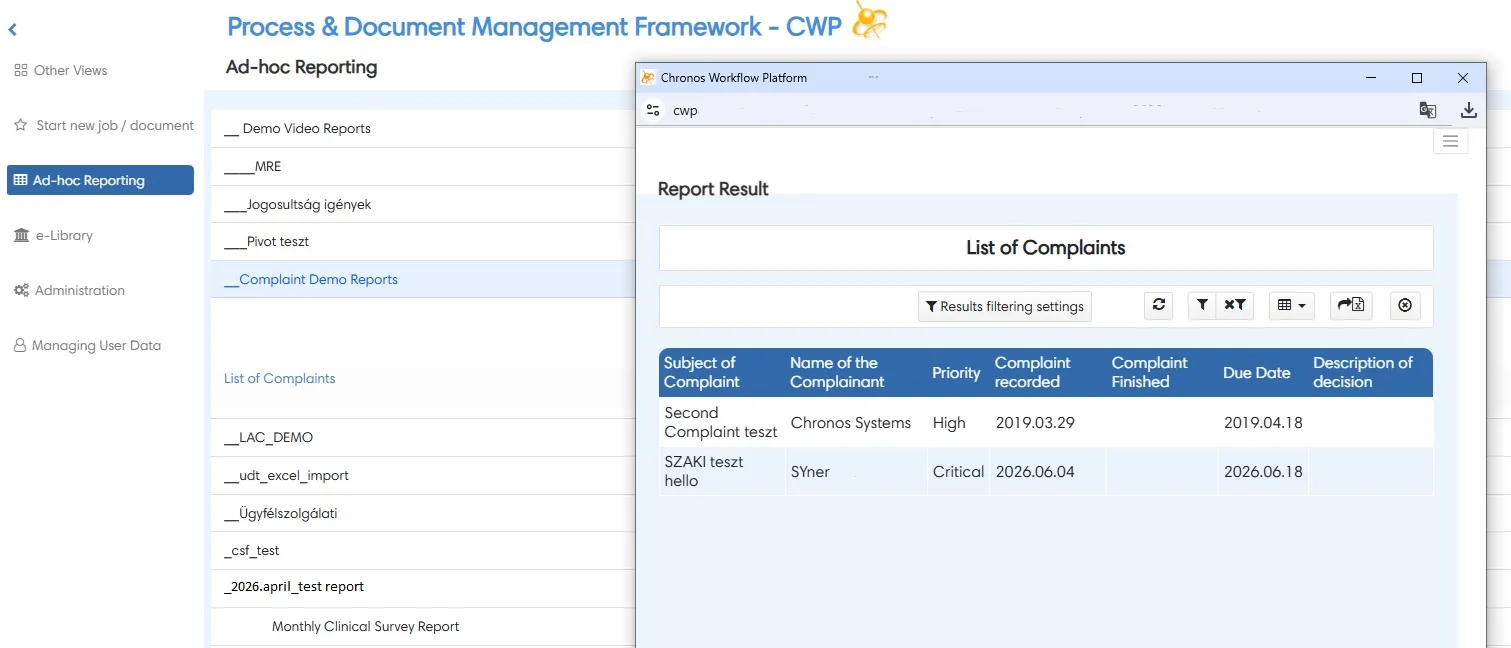
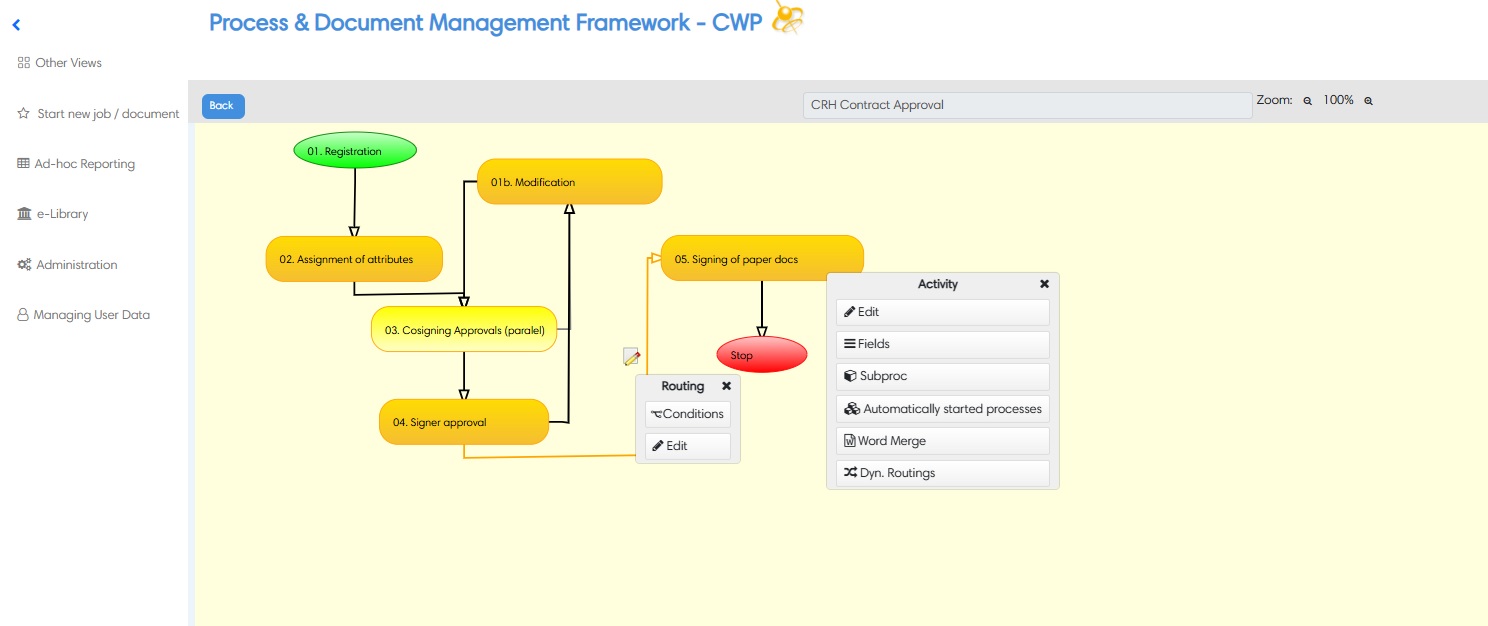
Design processes in any complexity

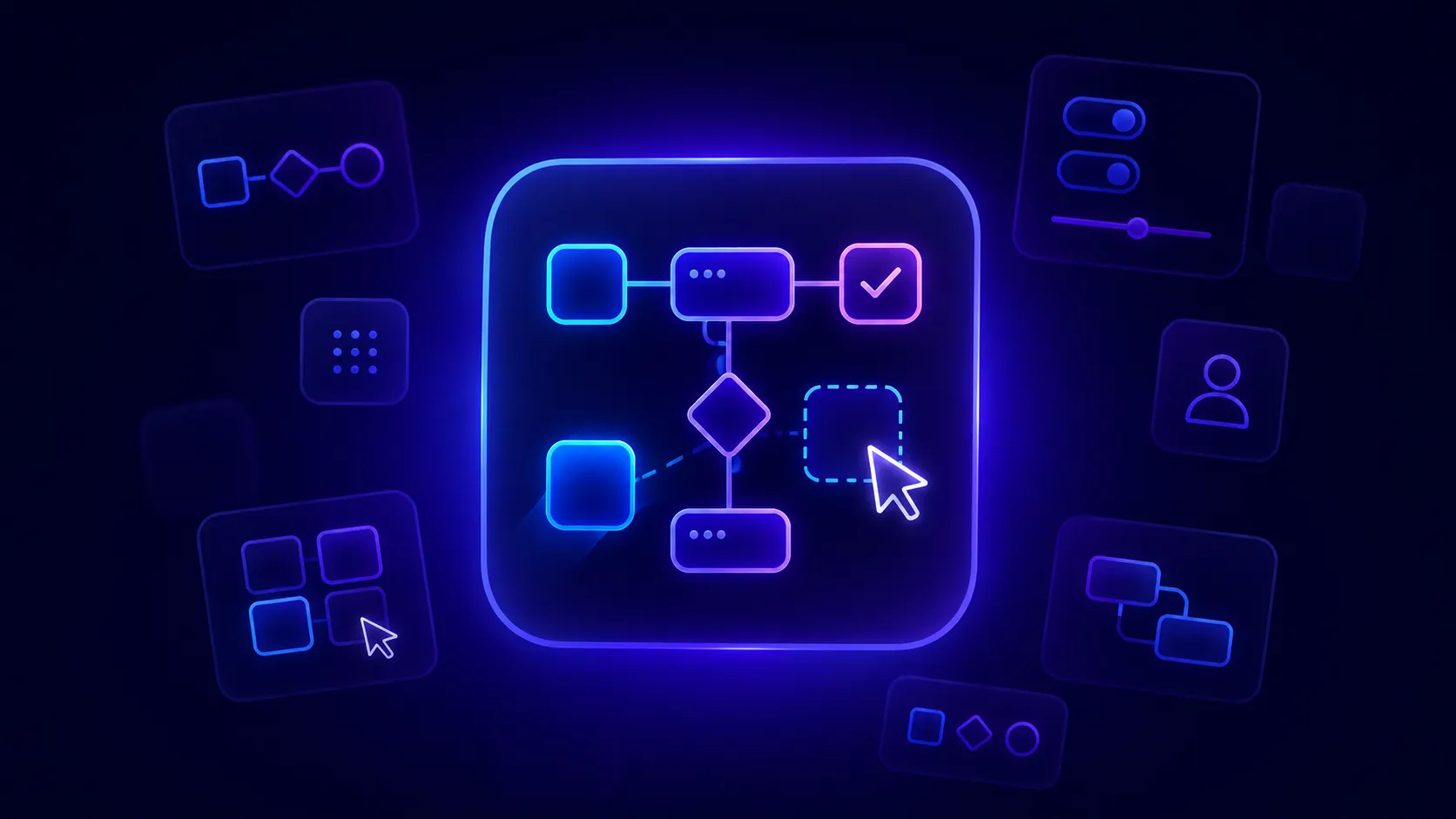
Draw the whole flow in the built-in designer and change it whenever your business does. Split, join, loop, and branch without limits.

Download App
CWP process design dashboard
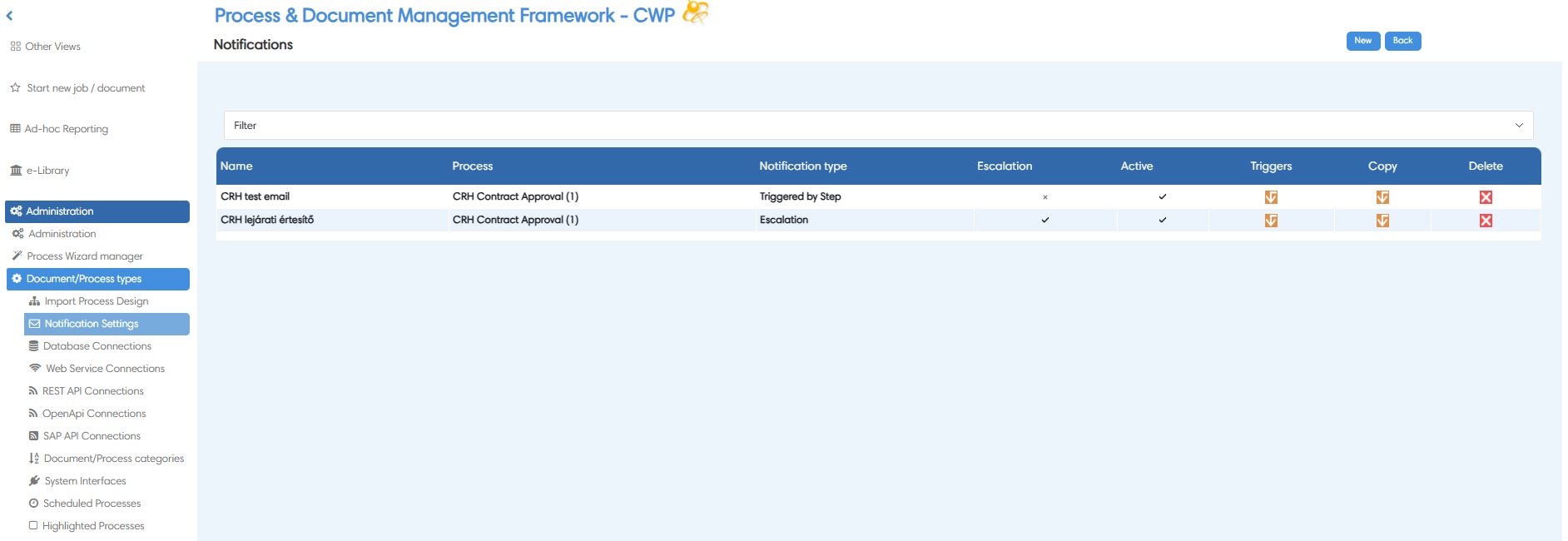
CWP escalation dashboard
Escalation & email notifications

Trigger notifications on step transitions or overdue tasks, set deadlines and SLAs per step, and send day-end escalation summaries using your own templates.

Download App
Integrations & connectors

Database queries as field types, batch programs at step transitions, and web services (SOA) to exchange data with SAP and other ERPs.
Download App
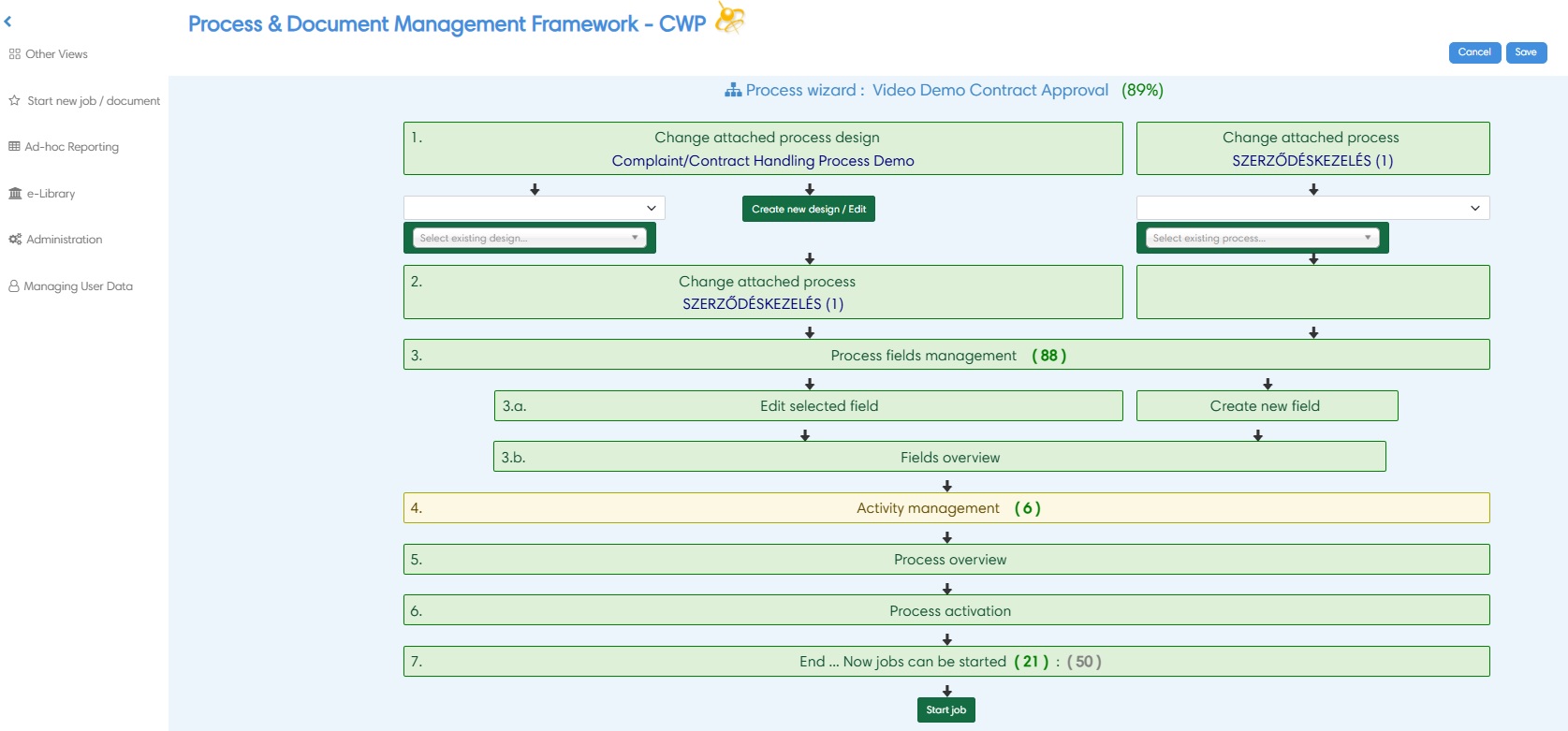
CWP Process Wizard dashboard

Graphical process history

Replay and audit how each process instance progressed.

Multi-language

Built-in language management and switching for cross-border operations.

Real-time dashboards

Live process and performance insight for continuous improvement.

Comparison

CWP vs traditional workflow systems

On average, application development is 40–50% of a traditional project's time — time CWP removes almost entirely.

Features
Other workflow systems
Chronos Workflow Platform
Environment
Embedded in a software-development environment, it needs a special dev client.
Runs in the user's environment; simple web-based admin and user interface.
Purpose
Speeds up workflow application development.
No application development needed to set up and automate a process.
Development
Requires programming and platform training before deployment.
No coding — only business process set-up and deployment.
Process set-up
Typically 2–3 months per process.
Typically 2–3 days per process.
Resources
Needs IT developers or vendors.
No developer required.
Scale
One application, limited processes/users.
Any number of processes and users in one solution.
Support
IT developer support for the app's whole life.
Business key-user support for the process life.
Flexibility
Most requirements met via custom development.
95–98% of requirements met with no custom code.
Choose Pricing Plan

On average, application development is 40–50% of a traditional project's time — time CWP removes almost entirely.

Choose a perpetual license or a subscription

Automate a process in five steps

See the Getting Started guide for the full walkthrough.

Design your flow
Add fields and forms
Set owners and routing
Switch on notifications
And activate — all self-service

FAQ

Whether you're curious about Chronos Workflow features, data handling capabilities, or integration options, we've got you covered.

Is Chronos Workflow only for programmers?
The best business process tools do not need programmers or a whole IT department to create workflows. CWP is web-based enabling business end users to create workflows by themselves. This enables business users to create their own business processes based on real business needs.
Can we match CWP to our corporate branding?
Yes. The system allows you to change the header, the color or font theme according to your corporate branding. Adding your own corporate logo and background image is also possible, no limits.
How long does a CWP implementation take?
Almost all our CWP projects go live in less than 30 days. By using the web-based and built-in workflow designer our customers get processes up and running fast and smoothly. Designing the workflow mapt from scratch can take up to few hours, but many of our customers come with ready process flow charts. Creating the workflow itself typically takes up to 2-7 days depending on complexity, connected document management and filing protocols.

Testing, deployment and final touches can take an extra few days or 1-2 week. The most intensive part of the BPA project is actually getting all the requirements and ensuring that they bring the best solution to your business demands and policies.
Can we import an existing process map?
and which technical method you recommend to follow to make a process implementation faster?

First of all, any process can be imported from MS Visio or ARIS, but we recommend to set up the process design with the built-in graphic process designer within Chronos Workflow. Secondly, if you already have one process in Chronos Workflow than you can simply copy it with ALL its settings (steps, routes, forms, fields, users, you name it) into a new process.

You may rename the copied process and therefore you can also make any changes to get the desired process to run for your business operation or to your partners.
Is CWP only for large companies?
Although many large companies make an investment on Business Process tools, CWP is also cost effective for the smallest company that wants to automate business processes. All kinds of approval and HR processes tend to be the most useful for small companies and and therefore most popular when considering the organizational and cost efficiency gained. These processes also protect small companies by providing proper compliance tracking when it comes to audit, cost approval and tracking and human resources-related processes.
How is CWP priced?
Not at all. Business process tools no longer require large investments in infrastructure and this include Chronos Workflow as well due to its availability on SaaS / Cloud.Chronos Workflow can be priced per user, per site, per server or even per process - whatever suits your business best. CWP enables companies to cut costs by empowering employees to be more efficient. CWP enables them to be more productive at their core activities by simply automating their business processes.Check out PRICING here!
Still have questions?

Can’t find the answer you’re looking for? Please chat to our friendly team.

Ready to automate your first workflow?

See how CWP can digitize your approvals, HR, finance, and back-office processes. Book a personalized demo or ask for a free trial — most customers go live in under 30 days.

CWP dashboard screen