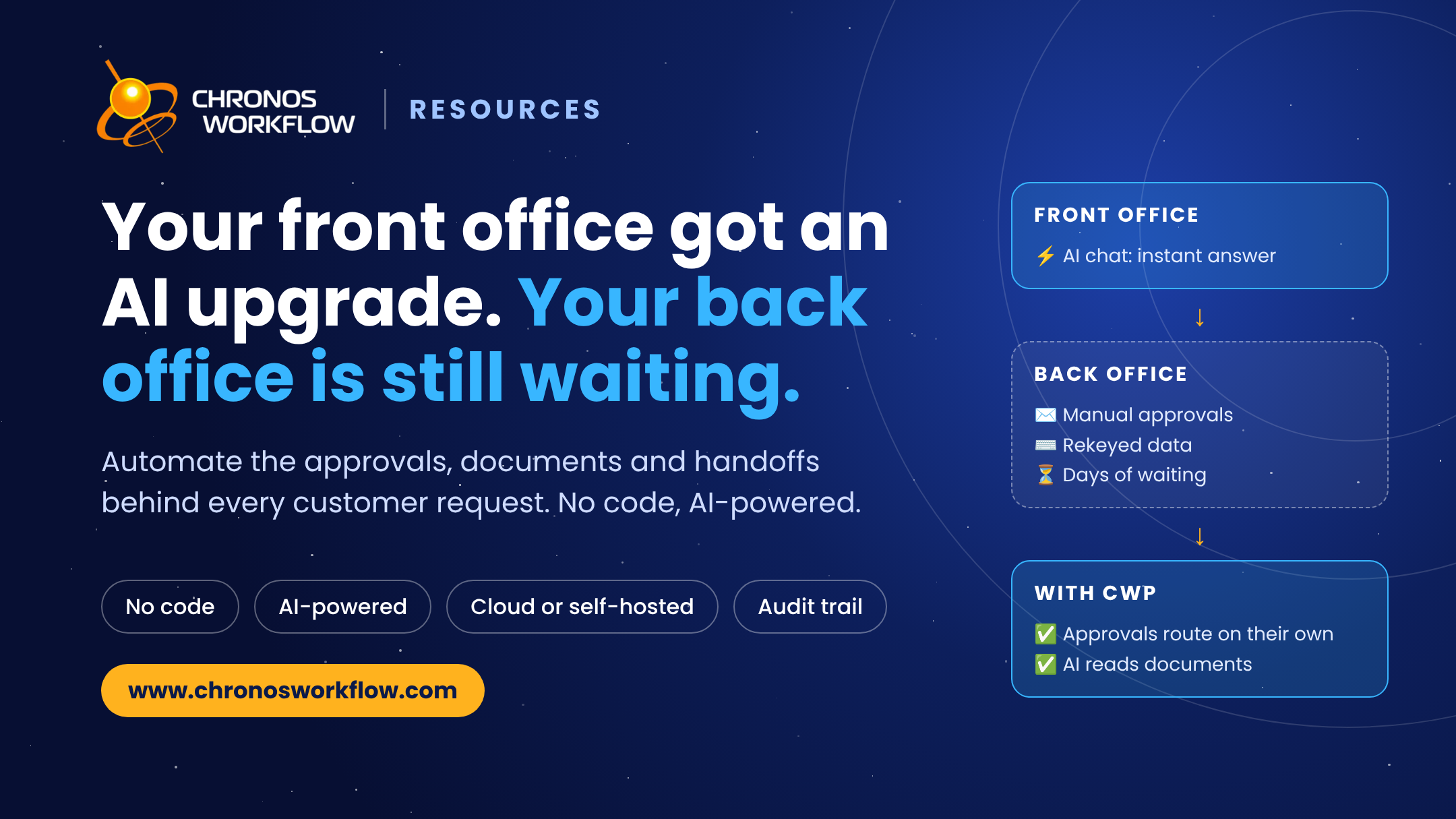
Your Front Office Got an AI Upgrade. Your Back Office Is Still Waiting
Front-office AI stalls when the back office runs on manual approvals. Automate enterprise workflows and documents in weeks with no-code, AI-powered CWP.


Guides, demos, downloads and product news for business process automation.
Whether you're curious about Chronos Workflow features, data handling capabilities, or integration options, we've got you covered.

No. Good process tools don't need programmers or an IT department. CWP is web-based, so business users build their own workflows around real business needs.
Yes. Change the header, colors, and fonts to your brand, and add your own logo and background image — no limits.
Simple processes (2–10 steps) take a few hours to 1–2 days, especially if the process map and fields are ready and your user directory is imported. Complex processes (11–70+ steps) take 3–7 days by a key user, with no coding — and Chronos consultants can help speed things up.
Yes — import from MS Visio, though we recommend building in the CWP designer for the cleanest result. You can also copy any existing CWP process with all its settings, then rename and adjust it.
No. CWP is cost-effective for the smallest company. Approval and HR processes are especially popular with smaller teams for the organizational and compliance gains — audit trails on cost approvals, tracking, and HR.
Enterprise plans are priced per site or per process, not per user, so they include unlimited users. Choose a one-time Enterprise License (from €21,990), an Enterprise Subscription (from €899/month) or a Self-hosted Subscription (from €699/month), or start with the Process-based Plan at €190/month per process. Small teams can start with limited user-based pricing: 1 process, up to 30 users, from €4.50 / $5.00 per user per month. Prices are net of VAT. See the full comparison on our Pricing page or request a quote.
No. Many valuable processes are short and simple — invoice, purchase and expense approvals. With unlimited users and processes, it pays to digitize the many 'small' processes and the complex ones.
Not at all. With SaaS/cloud availability, there's no large infrastructure investment. CWP can be priced per user, per site, per server, or per process — whatever suits you — and it cuts costs by making employees more efficient at their core work.
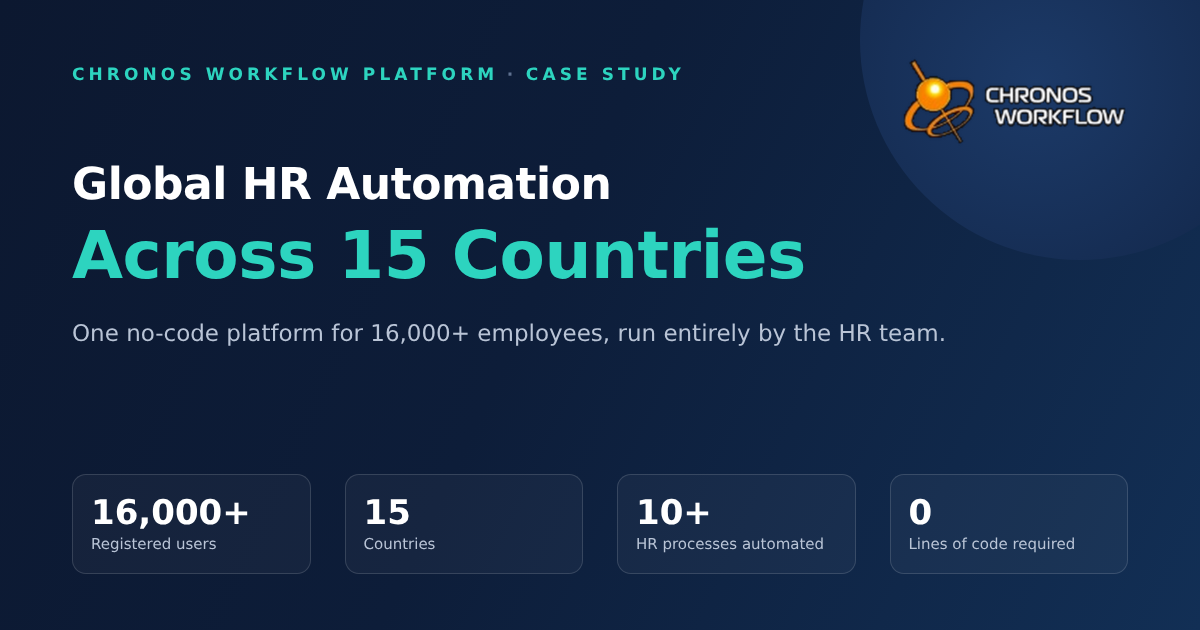
Mostly well-known medium and large corporations across Europe, the US, and Latin America. Client loyalty is strong — many have worked with us for over a decade.
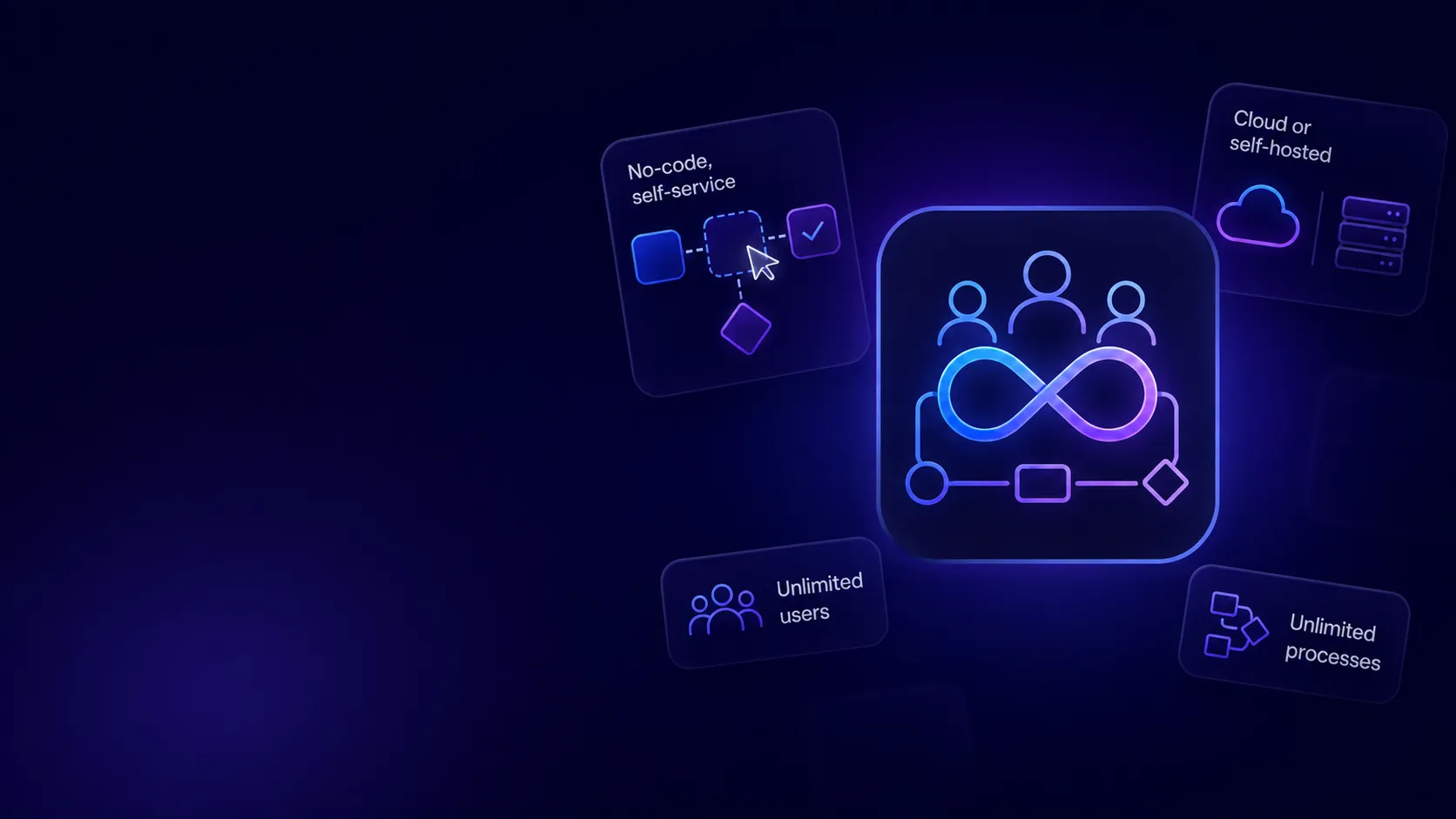
CWP is a flexible, powerful, user-friendly BPA platform that cuts workflow implementation time by 50–70% versus custom development. It combines a graphical process designer, an integrated document management system (e-Library), and a no-code, self-service model for fast ROI — with unlimited processes, users, and connectors for SOA, batch programs, and SQL.
A workflow is a set of related steps that accomplish a business goal. Automation ensures the right person receives the right information at the right time and routes each task to completion. Example: a manager submits a travel-expense eForm with a photographed receipt; CWP reads the total, routes it for approval, notifies the approver, then passes it to accounting for reimbursement — automatically.
It lets non-technical users automate and manage any business process, at any complexity, self-service. Design processes with a drag-and-drop designer; define steps, routing, fields, users, and notifications with no code; manage documents, images, QR codes, and barcodes in the built-in library; set deadline notifications; copy processes to reuse them; and connect to SAP and other systems to exchange data. Cloud or self-hosted, with a full audit trail and reporting.
Can’t find the answer you’re looking for? Please chat to our friendly team.
.png)

.png)
.png)
.png)
.png)